Don’t Forget to Join Discord! Join Discord

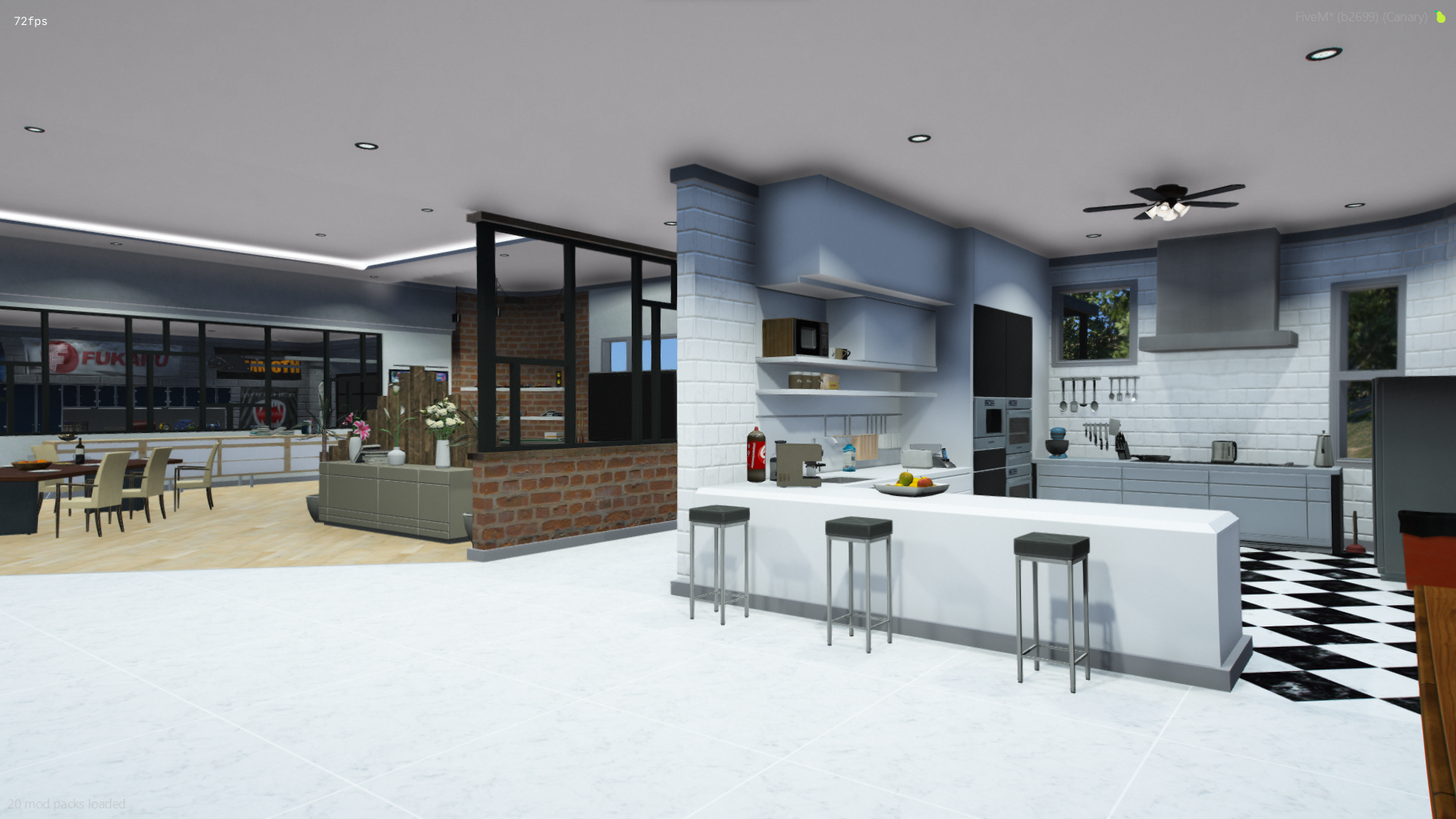
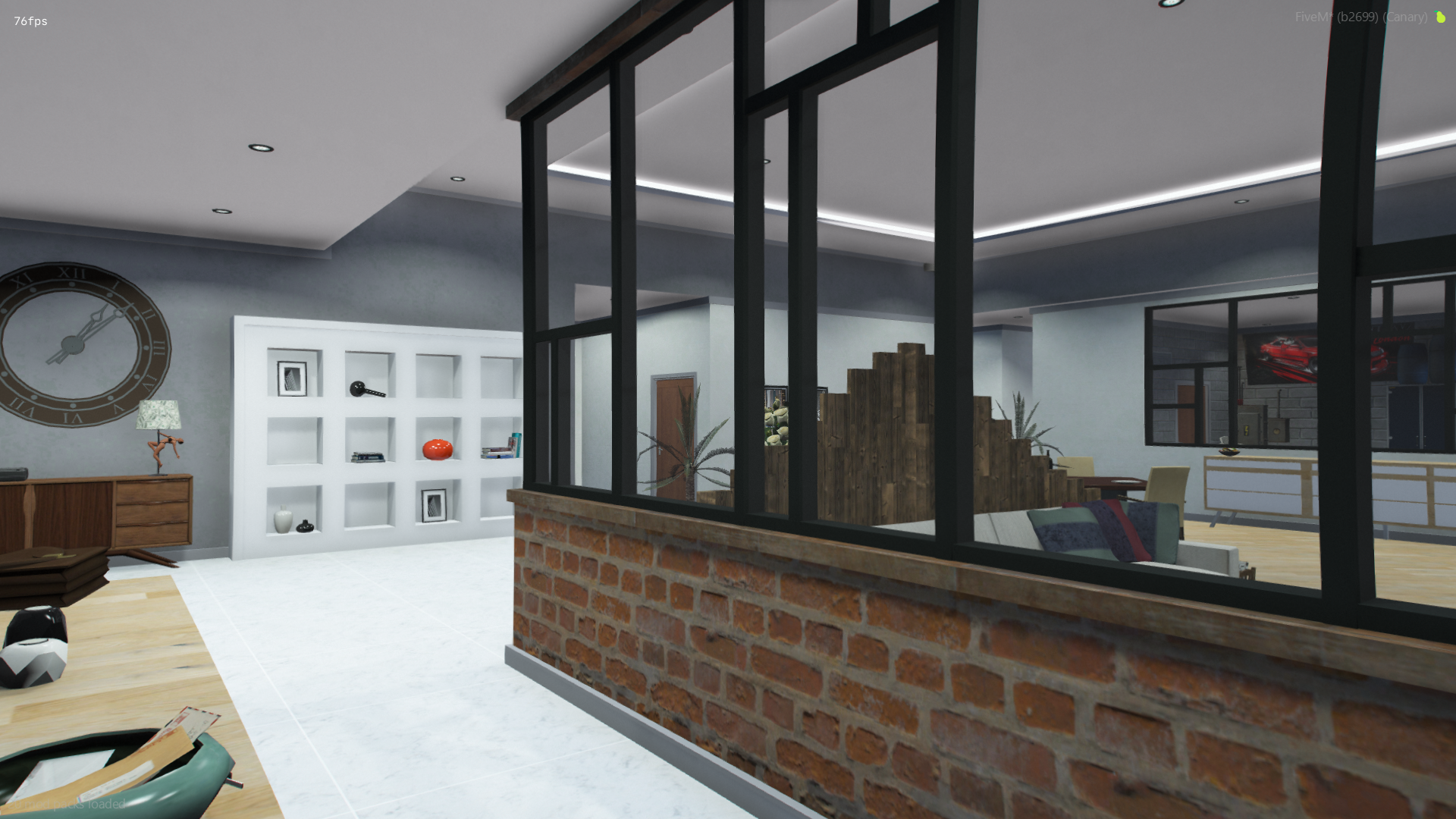
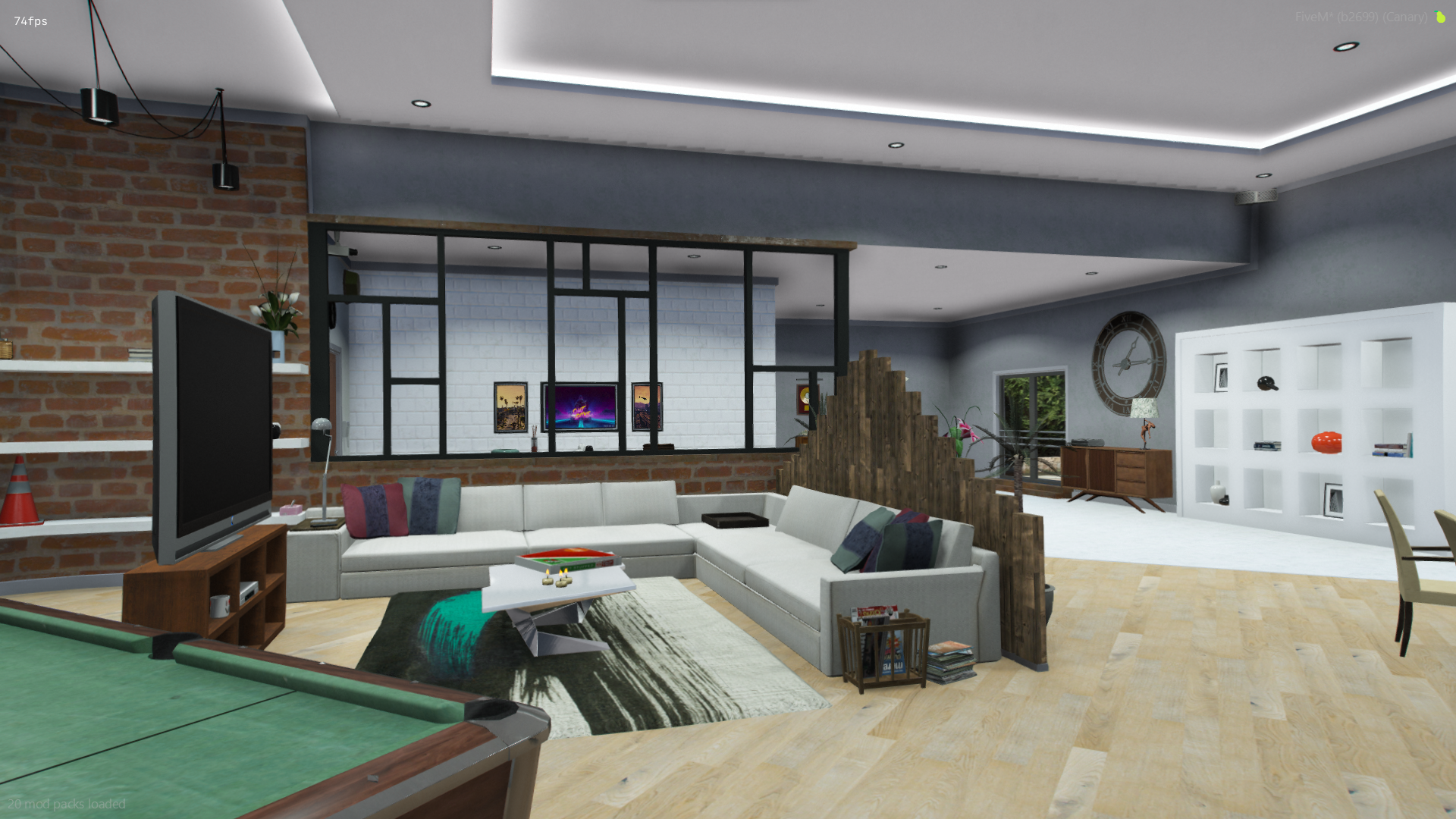
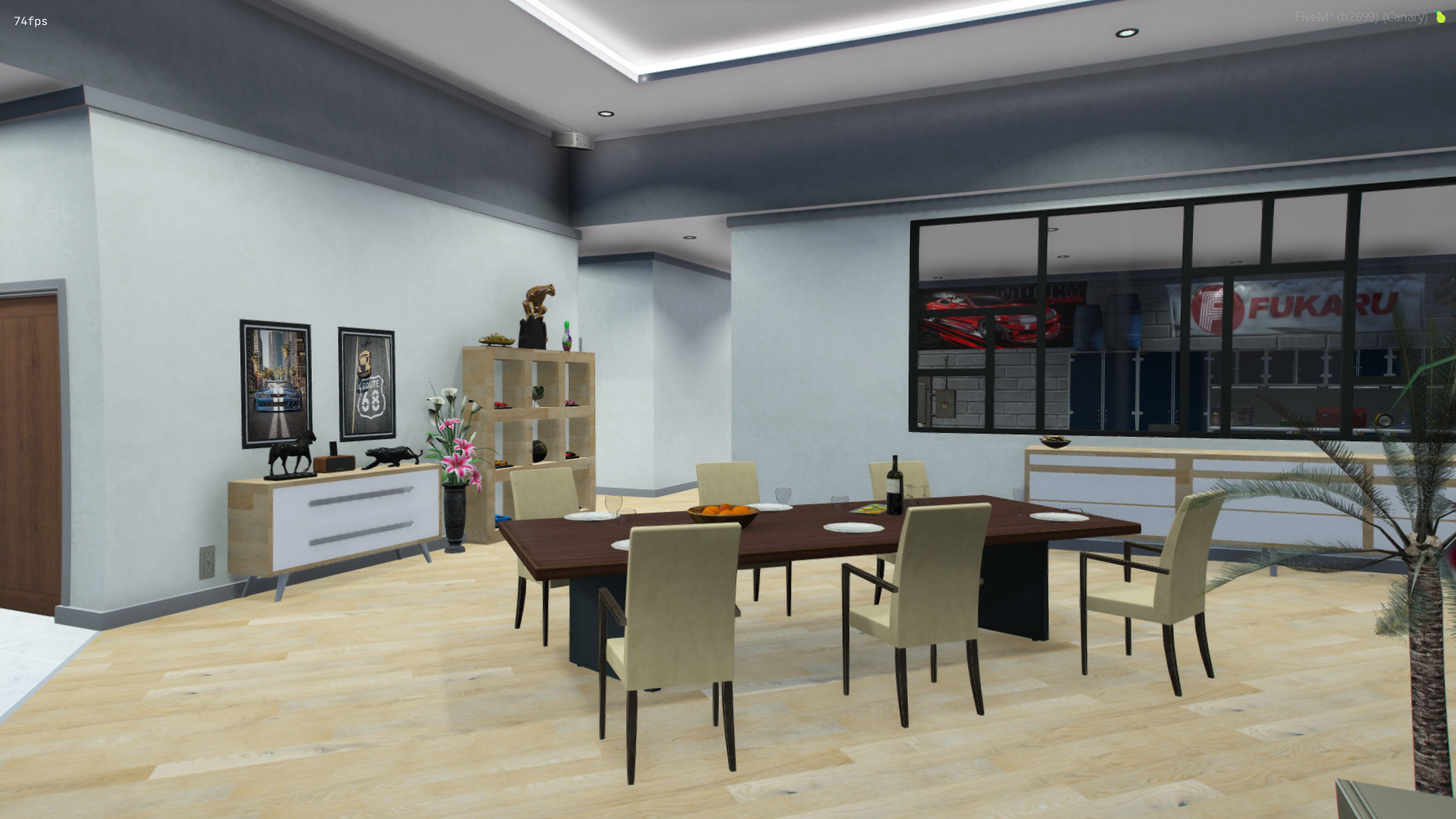
Tongva House

Custom Exterior
Custom Interior
Custom Props
All Customisable Textures
Tongva house
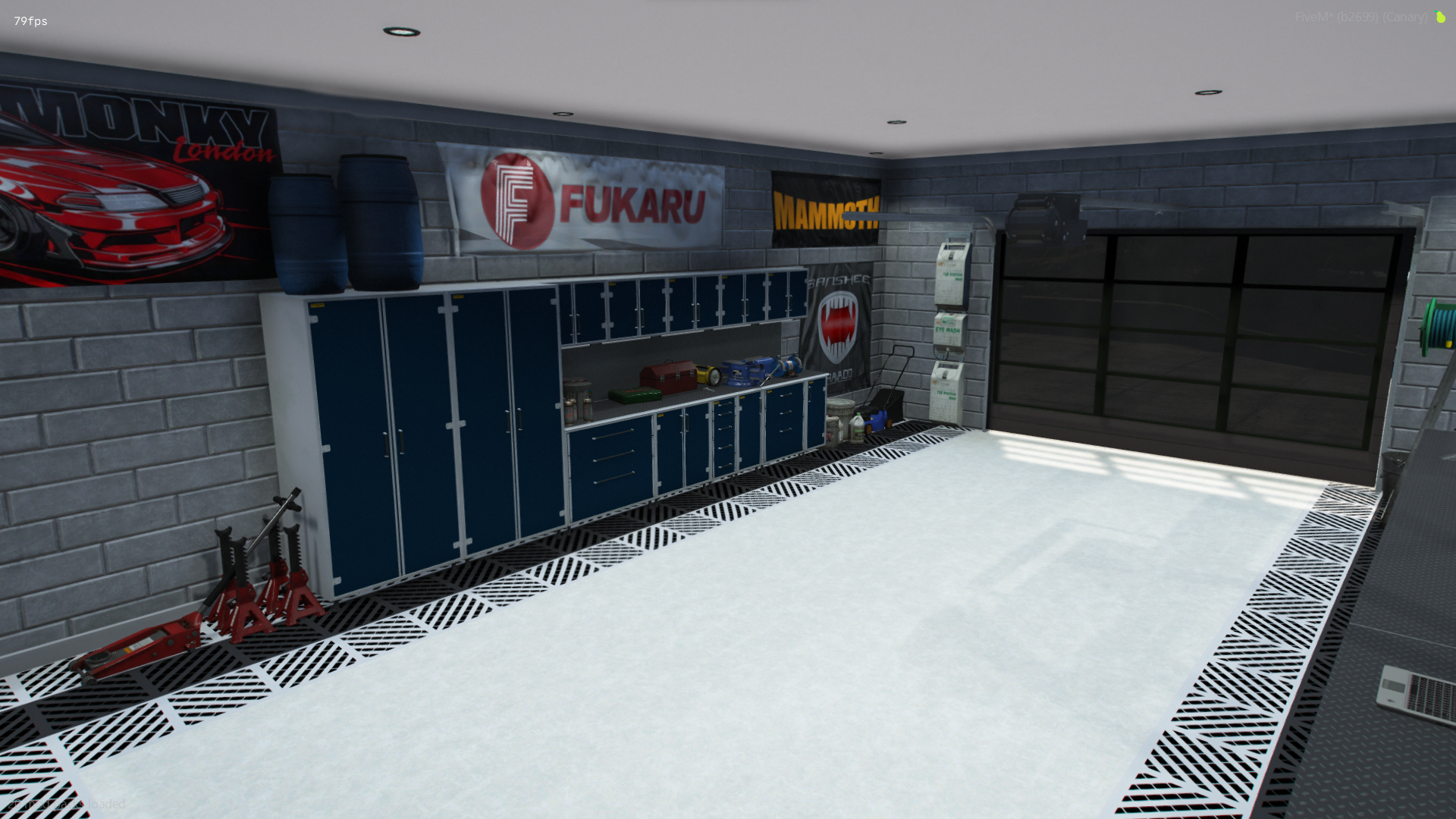
- Garage
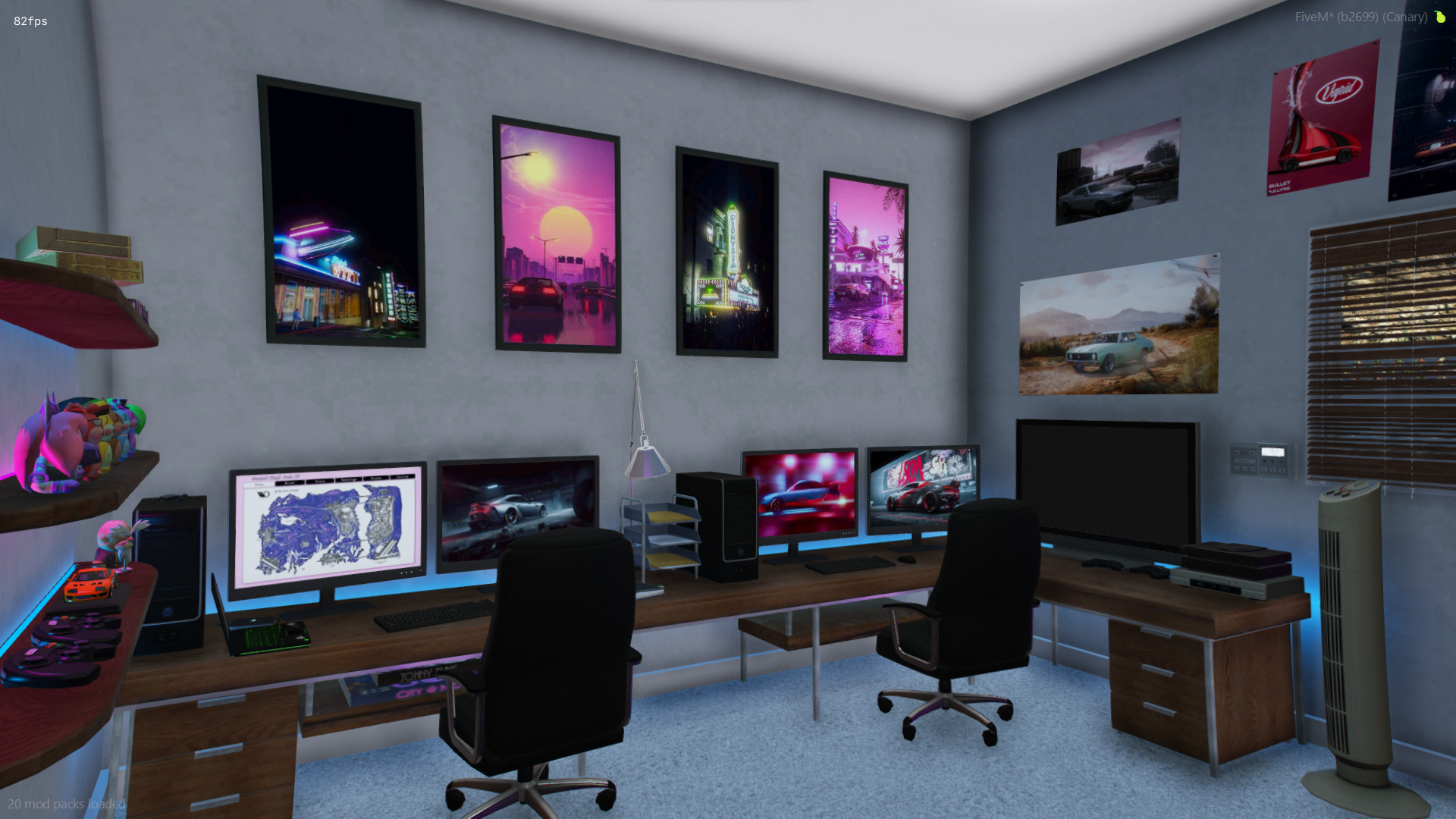
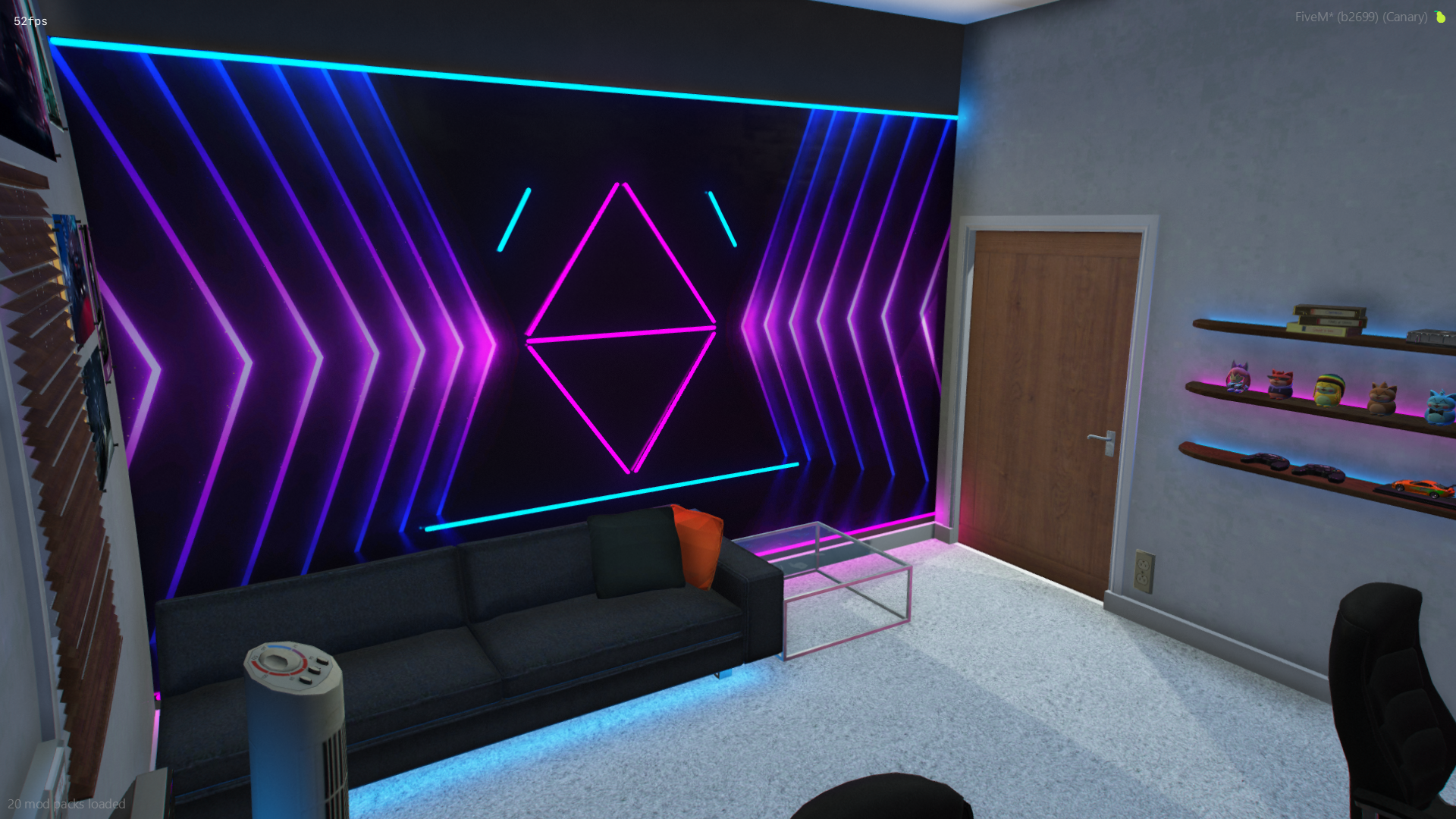
- Gaming Room
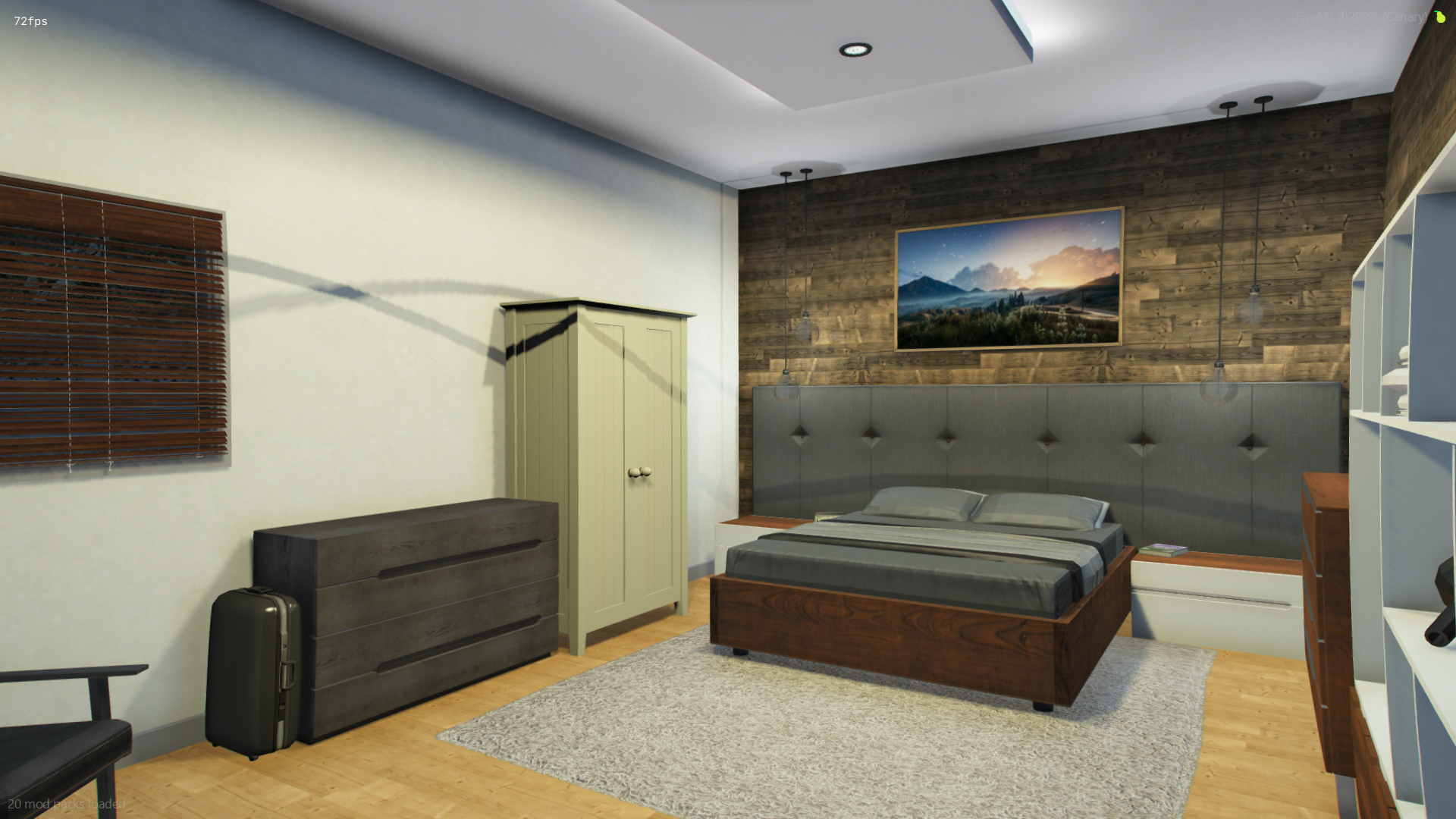
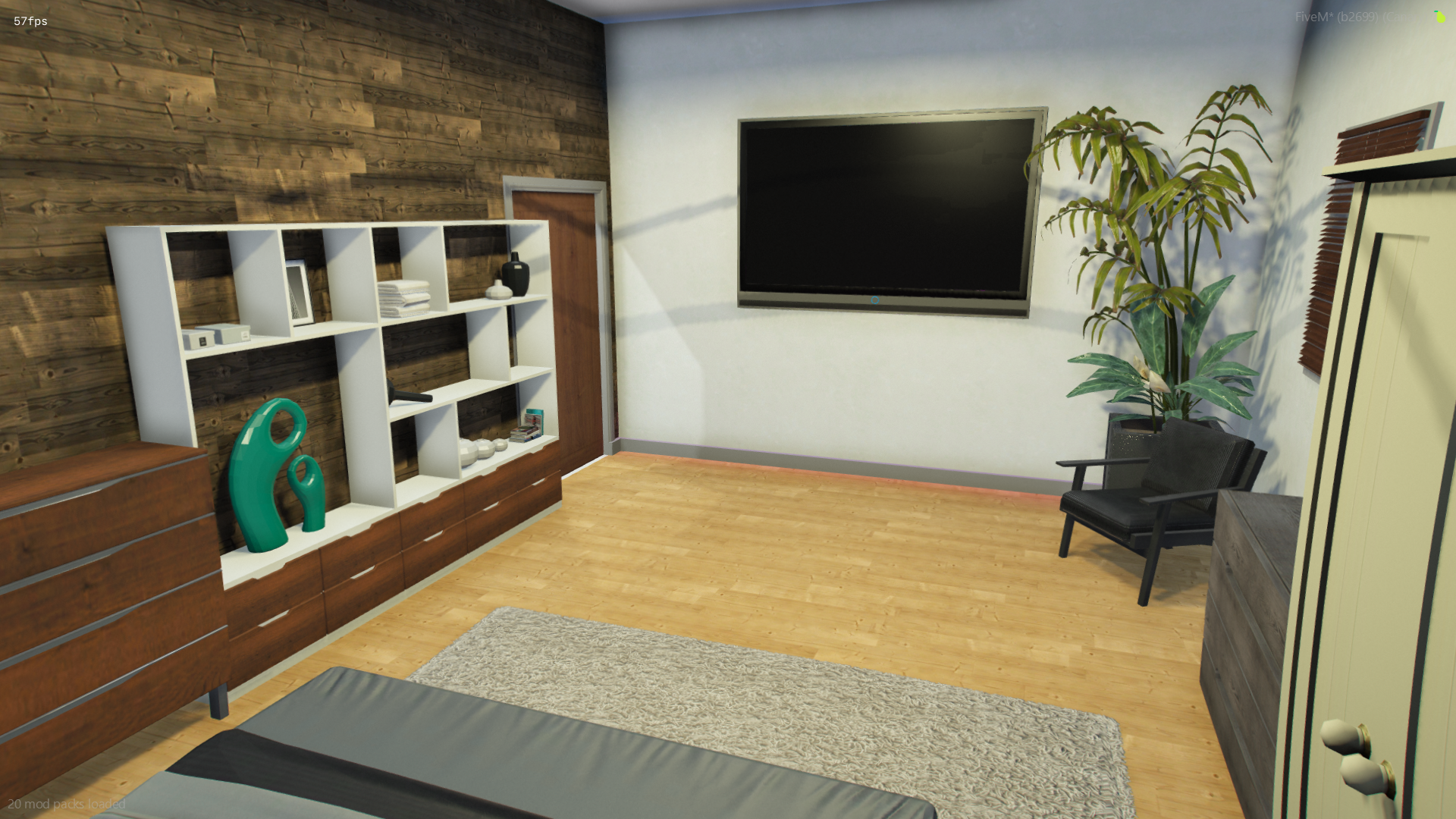
- Bedroom
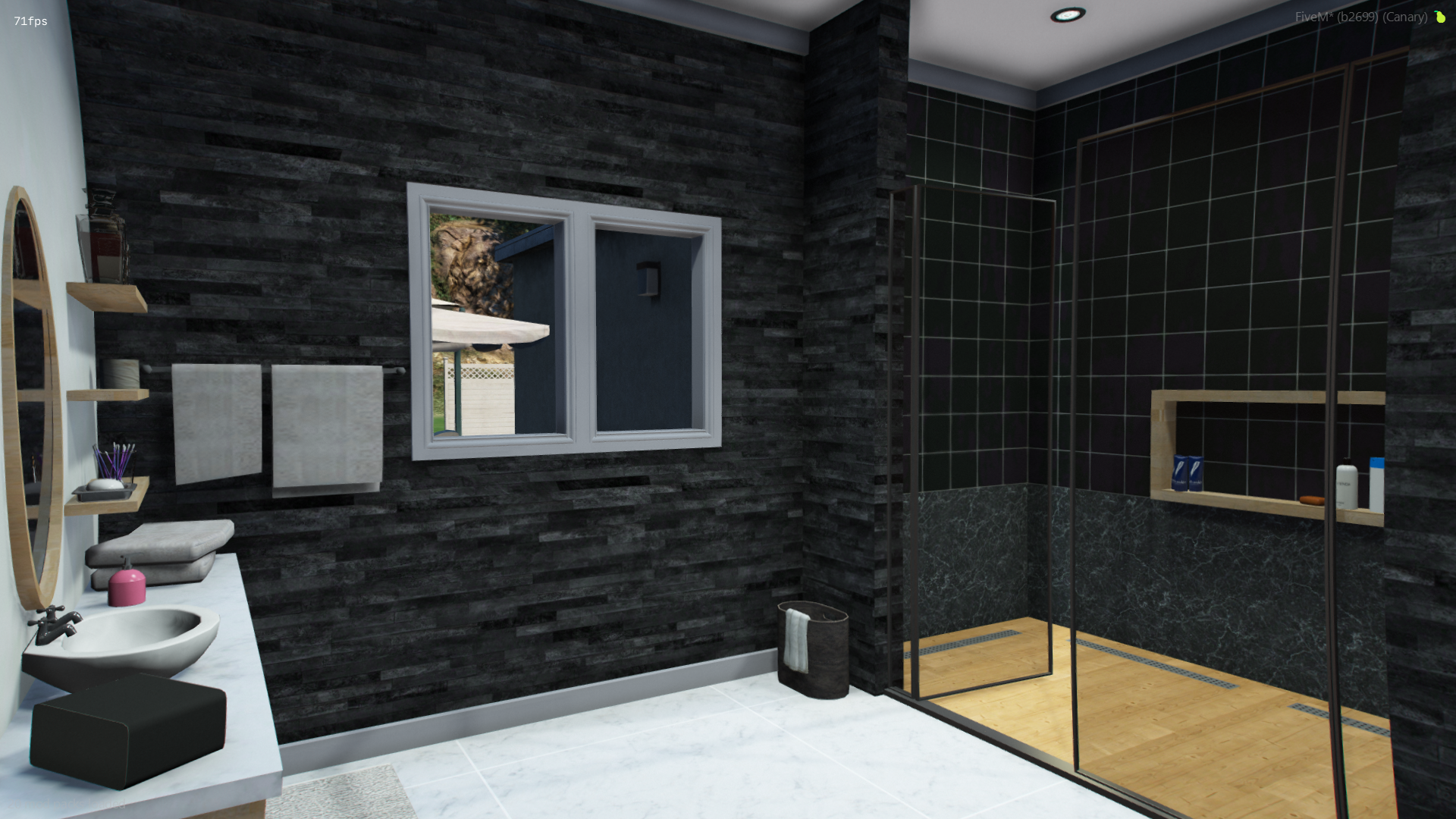
- Bathroom
- Kitchen
Overview
Twitch
https://www.twitch.tv/swarextv - https://www.twitch.tv/azzox_live
Discord
The purchase process is done through Tebex, official partner of fivem, after the purchase you will have access to the files by connecting to keymaster in the Purchased assets tab, with the files in hand, start them. We’re using the cfx team’s Asset Escrow, so you’ll have freedom to replace textures only.
AS MLO is not responsible for purchases made with the wrong account.